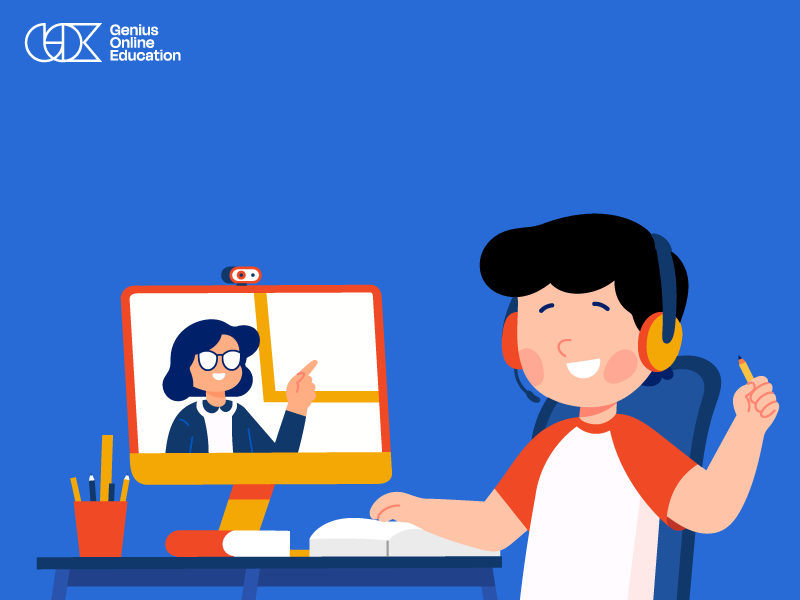

Computer education for children has become one of the most important skills in our digital age, giving them the ability to handle technology with confidence and independence from an early age. With proper guidance and interactive methods, children can learn basic computer skills, use educational software, and explore the world of programming in a fun and safe way.
Through interactive lessons and practical activities, children learn essential skills such as typing, managing files, using various applications, and even logical thinking and problem-solving. This not only helps them adapt to the digital age but also opens wide horizons for creativity and continuous learning.
With Genius Online, computer education for children becomes a fun, interactive journey designed specifically to match a child’s mindset, enhancing their digital skills and establishing a strong foundation for a successful academic and technological future.
💻 Give your child the chance to learn computer skills from the beginning in a fun and interactive way, building strong digital skills for their future with Genius Online.
Best Methods to Teach Computer Skills to Children from Scratch with Genius Online
Best methods to teach computer skills to children from scratch rely on combining hands-on interaction, gradual skill development, and making learning fun and motivating. With Genius Online, any child can start their journey into the world of computers without prior experience, following organized steps suitable for their mental and age capabilities.
1. Start with basic computer usage
Learn how to turn on the computer, use the mouse and keyboard, and open basic programs in a simplified way that builds confidence from the start.
2. Learn typing and file management
The first stage includes typing skills, creating and saving files, and organizing folders in an easy and tidy manner.
3. Use educational applications
Interactive educational programs help the child learn basic concepts in a fun way, from math to drawing and simple programming.
4. Introduce safe internet skills
Teach children how to browse the internet, search for information, and communicate safely online, focusing on protecting personal data.
5. Gradual learning according to age and ability
Genius Online provides a progressive content that starts with simple skills and advances to more complex ones, ensuring the child understands each stage before moving on.
6. Combine learning with fun and interaction
Through educational games, practical activities, and interactive challenges, the child’s interest increases, making learning a fun part of their day.
7. Track progress and motivate achievement
The system allows tracking the child’s progress, providing digital rewards or encouraging words when tasks are completed, boosting self-confidence and motivation to continue.
See also: How to Motivate Children to Study
🌟 With Genius Online, your child can learn computer skills from scratch in a fun, interactive, and organized way, building strong digital skills for a successful academic and technological future.
Teaching Computer Skills to Children in a Fun and Interactive Way
Teaching computer skills to children in a fun and interactive way aims to turn learning from a routine task into an engaging experience that encourages participation and interaction. When basic concepts are presented in a fun manner, children become more interested and ready to acquire digital skills with confidence.
1. Using educational games
Integrating games and challenges into learning allows children to learn computer basics in an entertaining way, stimulating logical and creative thinking.
2. Hands-on and experimental activities
Allowing children to practice skills such as typing, creating files, and using educational applications increases understanding and self-confidence.
3. Simplified interactive content
Interactive lessons with videos, images, and direct exercises help retain information in a fun and easy-to-remember way.
4. Gradual progression based on age and ability
Start with basic skills like using the mouse and keyboard, then gradually move to drawing programs, presentations, or even simple programming, according to the child’s abilities.
5. Rewards and continuous motivation
Offering simple rewards or encouraging words upon task completion increases the child’s desire to continue and engage with learning.
6. Linking learning to hobbies
Connect learning with what the child loves, such as digital drawing, educational games, or interactive stories, to increase interest and focus.
7. Tracking progress in a fun way
Parents can track their child’s progress and reward achievements, creating a sense of success and motivating continued learning.
💻 With Genius Online, your child can learn computer skills in a fun and interactive way, building strong digital skills and making learning an enjoyable part of their day.
At-Home Computer Courses for Children with Genius Online
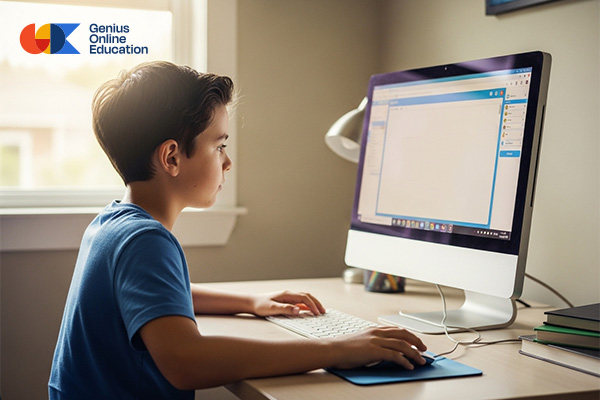
Learning computer skills has become an essential part of the new generation’s abilities, and children can acquire these skills at home in a fun and interactive way. With Genius Online, we provide computer courses and a Children’s Programming Fundamentals Course designed specifically to suit children’s ages and abilities, offering a stimulating and safe learning experience.
📌 What do at-home computer courses for children include?
- Basic computer skills: turning on the device, confidently and easily using the mouse and keyboard.
- File management: saving, opening, moving, and organizing documents correctly.
- Typing and office applications: learning fast typing and using office programs for text processing.
- Safe internet browsing: how to search for information safely and use the internet securely.
- Drawing and creative activities: using simple drawing and design programs to develop creative skills.
🎯 Why choose these courses for your child?
- 📌 From home at a pace suitable for the child.
- 📌 Simplified, interactive content suitable for children’s ages.
- 📌 Fun hands-on activities that enhance engagement and understanding.
- 📌 Development of essential digital skills useful for school and daily life.
- 📌 Encouraging self-learning and exploration.
📚 How are the courses delivered?
Courses are offered through educational videos, interactive exercises, and fun activities the child performs practically on the computer. Each lesson is designed to make the child feel accomplished and motivated to continue learning.
👩🏫 Continuous support and motivation
The Genius Online team monitors the child’s progress step by step, providing ongoing support and encouragement to ensure understanding and effective application of lessons.
See also: Free Programming Learning Platforms
🌟 With at-home computer courses for children from Genius Online, learning becomes fun and interactive, building strong digital skills that open wide future opportunities for your child.
Teaching Basic and Programming Computer Skills to Children
Teaching children basic and programming computer skills has become one of the most important steps in preparing them for a developing digital world. When a child starts learning computer use early and understands programming basics, they gain problem-solving skills, critical thinking, and creativity, giving them a significant advantage in their studies and future life.
1. Learn basic computer skills
Start by teaching the child how to turn on the device, use the mouse and keyboard, create and organize files, and work with simple office programs in a fun and interactive way.
2. Typing and text handling skills
Teaching typing and using text editing programs helps the child develop speed and accuracy, preparing them to complete school tasks efficiently.
3. Introduction to programming
Teach children programming basics using simplified languages like Scratch or Python for kids, teaching logical thinking and problem-solving in a fun way.
4. Interactive and creative activities
Integrating digital drawing, educational games, and interactive programs increases understanding and makes learning enjoyable while encouraging creativity.
5. Self-learning and small projects
Encourage children to execute simple projects like creating a digital story or educational game, giving them a sense of achievement and promoting a love for continuous learning.
6. Safe internet usage
Teach children how to safely search for information and understand responsible internet use, which is an essential part of modern computer skills.
7. Continuous monitoring and motivation
Tracking a child’s progress and encouraging daily application of learned skills enhances self-confidence and motivates further skill acquisition.
💻 With Genius Online, your child can learn basic and programming computer skills in a fun and interactive way, preparing them for a digital future full of opportunities.
How to Teach Children to Use Computers Safely
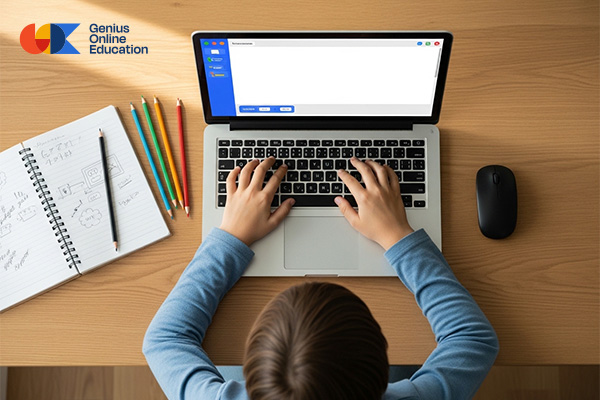
How to teach children to use computers safely depends on providing them with correct knowledge and guidance from the start to ensure a safe and responsible digital experience. With proper supervision, children can benefit from computer learning without exposure to online risks.
1. Explain safe internet rules
Teach children not to share personal information such as full name, address, phone number, or personal photos with anyone online.
2. Set computer usage time limits
Establish a schedule for computer use so that daily sessions do not exceed recommended limits to avoid eye strain or overuse.
3. Use protection and filtering software
Install antivirus and content filtering programs to ensure safe browsing, free from harmful websites or inappropriate content.
4. Monitor digital activity
Regularly check what the child does on the computer and discuss what they view and learn, reinforcing confidence in seeking help when needed.
5. Teach how to handle suspicious messages and sites
Instruct the child not to click on unknown links or download unknown files, and teach them to report any concerning content.
6. Balance learning and breaks
Ensure breaks between computer sessions for physical and mental rest, and encourage real-life recreational activities.
7. Promote positive digital culture
Encourage children to use computers for learning, creativity, and research of useful information, helping them use technology responsibly and purposefully.
See also: Children’s Time Management Table Make your child’s day more productive and fun
🖥️ With proper guidance and continuous supervision, your child can use the computer safely and acquire valuable digital skills for their future.
Computer Education for Children with Fun Educational Games
Computer education for children with fun educational games allows children to learn interactively and enjoyably, turning digital skill acquisition from a routine task into an entertaining experience that stimulates creativity and logical thinking. Educational games help retain information and motivate daily learning.
1. Integrate learning with interactive games
Use educational computer games that include typing, math, digital drawing, and even basic programming skills to develop the child’s abilities in a fun way.
2. Stimulate logical thinking and problem-solving
Games requiring strategic thinking or puzzle solving help children develop critical and logical thinking skills while learning.
3. Learn typing and file management skills
Educational activities in game form can teach typing, file creation, and folder organization in a practical and exciting way.
4. Small fun projects
Encourage children to execute simple projects like creating a digital story, designing drawings, or programming a small game, giving them a sense of achievement and fun simultaneously.
5. Enhance rewards and motivation
Offer digital rewards or encouraging words when tasks are completed in educational games, increasing motivation to continue learning.
6. Gradual skill difficulty
Start with simple skills like using the mouse and keyboard, then gradually move to drawing or basic programming, according to the child’s abilities.
7. Involve the child in choosing educational games
Allowing children to select games they enjoy increases interest and links learning with fun, making studying a beloved activity.
🎮 With Genius Online, learning computer skills for children becomes fun and interactive through exciting educational games, helping them acquire strong digital skills and a love for learning from an early age.
Teaching Programming and Computer Skills to Young Children
Teaching programming and computer skills to young children opens wide horizons for creative thinking and essential digital skills for their future. Early learning allows children to confidently handle technology and develop problem-solving and logical thinking skills from a young age.
1. Learn computer basics in a fun way
Start by teaching how to use the computer, mouse, keyboard, and create files practically and engagingly, building a strong foundation before advancing to higher skills.
2. Simplified programming for kids
Using simplified programming languages like Scratch or Blockly helps children understand basic programming concepts visually and interactively, creating small games and digital stories.
3. Practical and creative activities
Integrating digital drawing, interactive projects, and educational games enhances learning in a fun way and stimulates creativity and critical thinking.
4. Strengthen basic digital skills
Teaching typing, using office applications, safe internet research, and file organization boosts confidence in handling technology.
5. Self-learning and small projects
Encouraging children to execute small projects, such as designing a simple game or digital drawing, gives them a sense of accomplishment and motivates further learning.
6. Continuous supervision and support
Monitoring progress and guiding learning step by step ensures safe and effective digital skill development.
See also: Steps to Establish Your Child in Reading and Writing
💻 With Genius Online, your child can learn programming and computer skills from an early age in a fun and interactive way, building strong digital skills for a bright future.
Best Computer Learning Course for Kids – Genius Online

In addition to the core course content, the Genius Online course offers additional features that make the computer learning experience for children richer and more interactive:
1. Learning Basic Programming Skills
The Children’s Programming Diploma includes educational activities using visual tools like Scratch, teaching logical thinking and problem-solving in a fun way.
2. Interactive Practical Projects
Children create small projects such as digital drawings, interactive stories, or simple games, which enhance their skills and give them a sense of accomplishment.
3. Stimulating Creativity and Imagination
Through creative exercises and digital challenges, children learn to express their ideas freely and gain greater confidence in their abilities.
4. Individual Progress Tracking
Parents and teachers can monitor each child’s progress step by step, providing guidance and advice at every stage of learning.
5. Learning from Home with Full Flexibility
The course allows children to learn from anywhere and at any time, with the option to rewatch lessons and exercises as needed.
6. Interactive Challenges and Friendly Competition
The course includes simple challenges and competitions among children to foster a positive competitive spirit and motivate continuous learning.
7. Focus on Future Digital Skills
The course equips children with essential computer and programming skills, helping them adapt to modern technology and enhance their future capabilities.
🌟 With Genius Online, your child experiences a comprehensive learning journey combining fun, interactivity, and creativity, building strong digital skills from an early age. 💻✨